
People & access
Invite your team and set their access.
Send branded invitations, set roles, and control who's allowed to join.
Invite people #
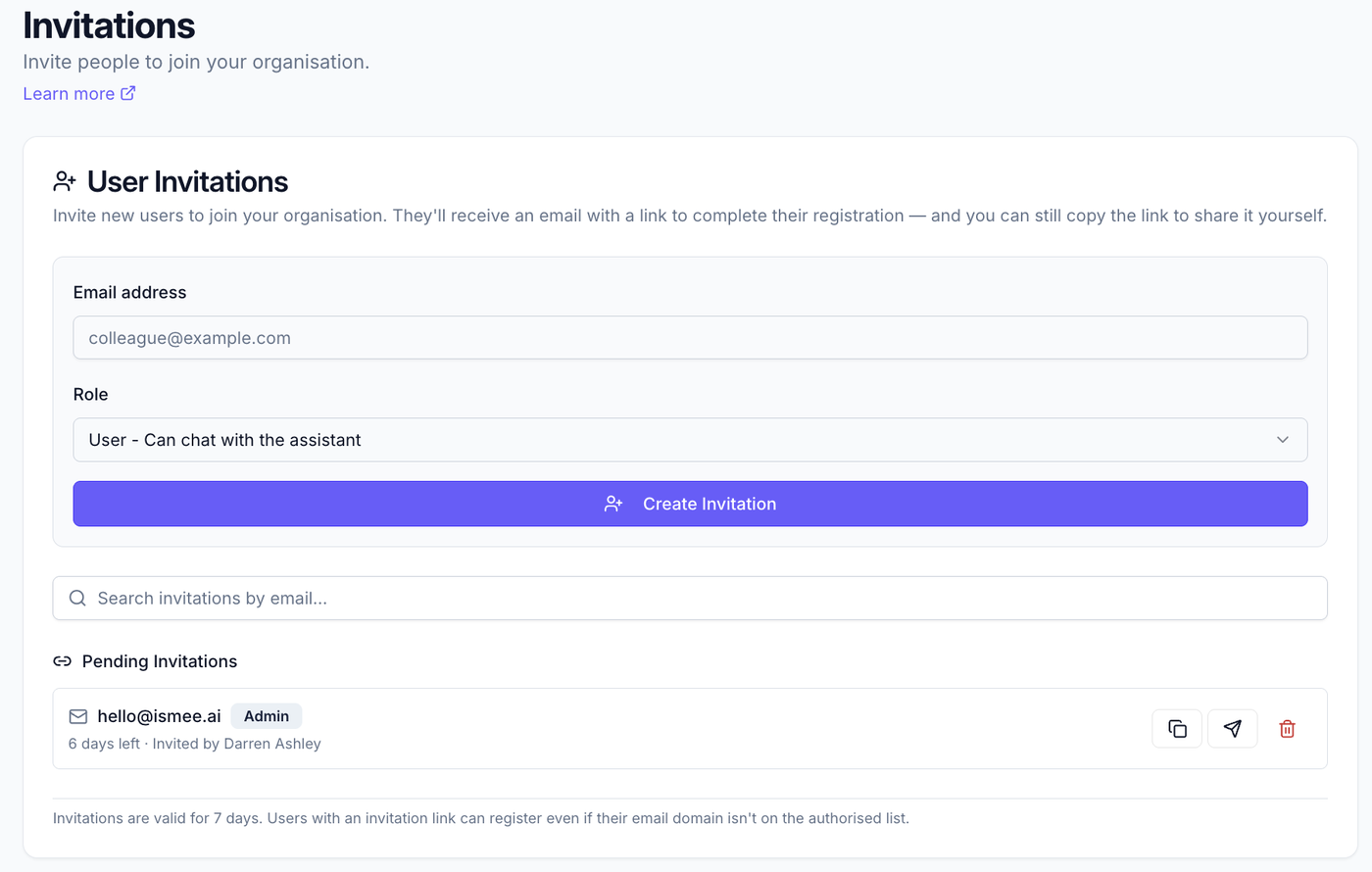
- Go to People & access → Invitations.
- Invite by email, one person or several at once.
- They receive a branded "Accept invitation" link: they register, confirm their email with a one-time code, and they're in.
Any email works via an invitation: even if open sign-up is limited to your company domain under Registration rules. Handy for contractors and partners.
Roles #
Set each person's role under Users. In short: admins manage the assistant, knowledge and people; end users simply ask questions in the chat.
Resend & copy link #
Each pending invitation has a resend button if it's been missed, and you can copy the link to share it another way. The Invitations list shows each invite's status.
Who can join #
Invitations add people directly. To control who can register themselves without an invite, use Registration rules (authorised domains + email allowlist).
What to read next #
- Registration rules, who can self-register.
- Getting started, the full setup path.